Skating Visuals Meet Arrow-Key Timing
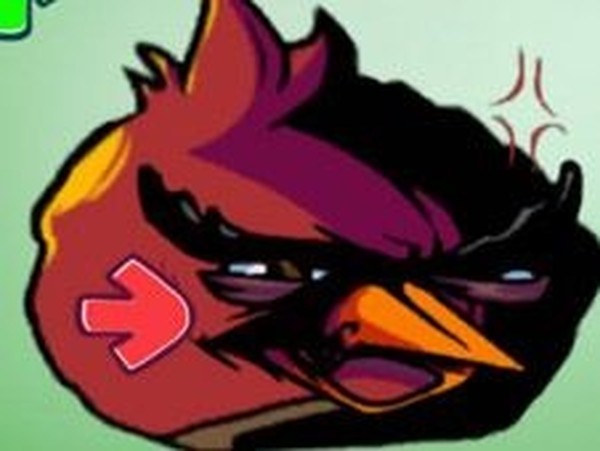
FNF Rhythm Beat Arcade Game sets its note-matching action against a realistic skating theme. That choice gives the familiar arrow-note format a different backdrop, but the core loop stays focused: symbols appear above the character on the right side of the screen, and the player presses the corresponding arrow keys at the same moment. The visual theme is present from the start, yet it never replaces the timing challenge that drives each song.
[IMG_0]Story Mode and Free Play Mode
The main menu splits play into two options. Story mode strings songs into a progression, so clearing one track leads into the next. Free play mode lets players pick individual songs without following that sequence. Both modes use the same note-reading system, health bar, and scoring rules, so skills built in one carry over to the other. The difference is whether the player wants a guided run or direct access to a favorite track.
Reading Notes and Keeping the Health Bar Up
Each arrow symbol marks a note that must be hit as it reaches the character. Accurate presses add points and keep the health bar full. Missed notes drain that bar, and losing too much of it ends the song early. Because the bar is the fail condition, consistency matters more than chasing a perfect streak on every section. Players who watch the pattern rather than individual arrows tend to recover faster after a mistake.
Who This Rhythm Game Suits
The controls are limited to four arrow keys, which makes the game easy to start. Catchy music and colorful visuals support that low entry barrier. At the same time, faster note patterns and longer songs create a real challenge for experienced rhythm players. Beginners can build confidence on easier tracks before moving to complex ones, while veterans can use free play mode to practice specific songs repeatedly.






Comments
0 comments