Course Design and Visual Style
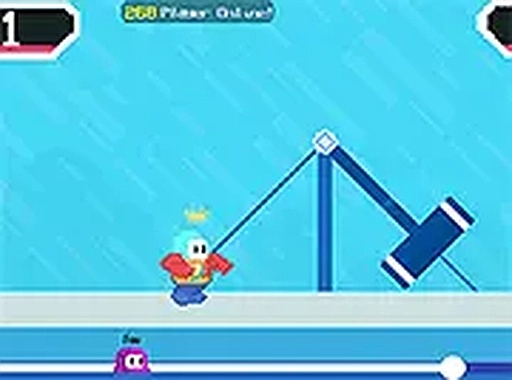
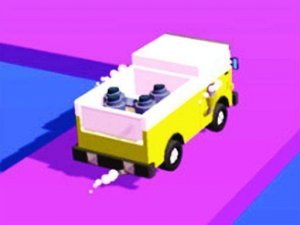
Each course in Track Champions Challenge Run carries a distinct visual theme, with bright colors and smooth animations. Obstacles include rotating beams, shifting platforms, and narrow passages. Because layouts repeat, learning the timing of each hazard becomes the main route to better results. The cheerful presentation keeps the tone light even when a section demands precise movement.
Controls Across Devices
On desktop, players use keyboard arrows or mouse clicks. On mobile, on-screen buttons handle movement and jumping. Inputs register quickly, which matters when a rotating beam or shifting platform leaves only a small window to act. That responsiveness, combined with simple inputs, makes the game approachable for different ages and skill levels.
Racing, Checkpoints, and Progression
Races involve multiple participants, and the goal is to cross the line first. Falling behind does not end a run: you restart from a nearby checkpoint, so the action continues without a full reset. Later tracks introduce new configurations that ask for faster reactions and better route planning. Regular practice is the most reliable way to master each course.
Session Length and Access
Rounds are brief, which suits short breaks as well as longer play sessions. The game runs directly in a web browser with no download or setup step, so anyone can start immediately. That low barrier pairs well with the checkpoint system, since a single mistake costs little time.




Comments
0 comments