 Arcane Playground
Arcane Playground
Arcane Playground
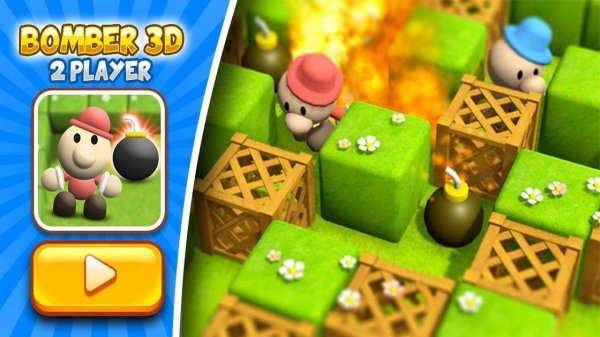
Bomber 3D delivers a polished local multiplayer experience that is easy to pick up but offers strategic depth. The four arenas provide variety, and the 3D graphics make the bomb blasts feel impactful. Rounds are short, encouraging rematches and improving skills. Perfect for casual play at home.
Blast 3D Multiplayer Battle Arena brings classic arena combat into a vibrant three-dimensional world. Designed exclusively for two local players, this game turns your screen into a battlefield of strategy and quick reflexes. Each match takes place on one of four distinct arenas, each with its own layout of walls and obstacles. Players must move carefully, place devices strategically, and anticipate their opponent's moves to survive. The 3D perspective adds depth to the action, making every encounter feel more immersive. Whether you grew up with the original genre or are new to it, Blast 3D offers a fresh and engaging experience that is easy to learn but offers plenty of room for skillful play.
Blast 3D requires a friend to play locally. Player 1 uses W, A, S, D keys to move and the SPACE bar to drop devices. Player 2 uses the ARROW KEYS to move and the ENTER key to drop devices. The goal is to trap your opponent with blasts while avoiding them yourself. Devices activate after a short delay, creating shockwaves that destroy obstacles and eliminate players. Use the arena walls and blocks to set traps and escape danger. Each round is quick, so stay alert and plan your moves. The last player standing wins. With four arenas to choose from, every game feels different and challenging.
Multiplayer action for two local players. Four unique arenas with different layouts and obstacles. Simple controls that are easy to learn. Vibrant 3D graphics that enhance the classic gameplay. Quick rounds that fit into short gaming sessions. Strategic placement and movement are key to victory.
Learn the layout of each arena to use walls and obstacles to your advantage. Practice timing your device placements to catch opponents off guard. Stay on the move to avoid being cornered. Observe your opponent's patterns and predict their next move. Use the environment to create traps and escape routes. Quick decision-making and spatial awareness are essential for victory.
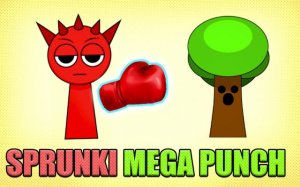
Simple controls and colorful levels make this a great reflex game for quick breaks.
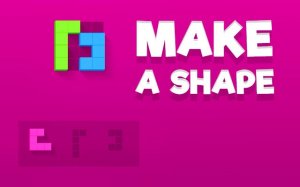
Clean design and smooth gameplay. Great for short breaks and improving spatial skills.
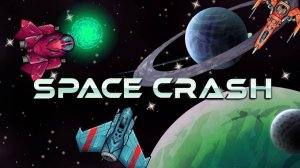
A clean, non-violent reflex game that tests your focus and coordination. Perfect for quick play sessions.
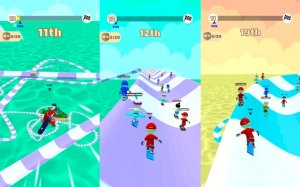
Fast-paced skateboard racing with intuitive controls and creative shortcuts. Great for quick matches.

Clean visuals and smooth controls. A simple, enjoyable arcade game for quick breaks.
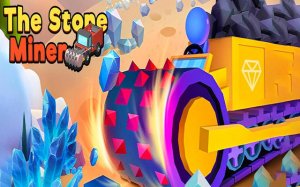
Engaging mining simulation with clear progression. Great for relaxing breaks and strategic thinking.

Simple and enjoyable zoo builder with idle rewards. Perfect for casual players.
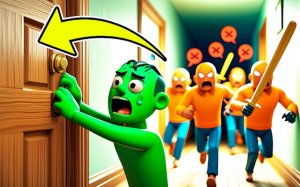
Fun stickman prank game with smooth controls and funny reactions. Great for quick play.