Navigating the Cosmic Lane
Stellar Path Navigator places a single small vessel inside a lively orbital highway. Drifting ships and floating debris share the same lane, and any contact ends the attempt immediately. The objective never changes: keep moving, keep clear, and stretch the flight distance as far as possible. Because points accumulate automatically while the ship is in motion, survival and scoring are the same action. There are no collectibles, power-ups, or enemies to defeat, so every decision is about position and timing rather than resource management.
Controls and Session Flow
Input is deliberately minimal. On desktop, the arrow keys shift the ship up, down, left, or right. On mobile, a touch-and-drag motion moves the craft across the screen. No extra buttons, menus, or combinations need to be learned mid-session, which keeps attention on incoming traffic. A collision ends the run and records the score; restarting takes a single tap or key press. That short loop suits quick attempts, especially when a personal best is within reach.
Visual and Audio Design
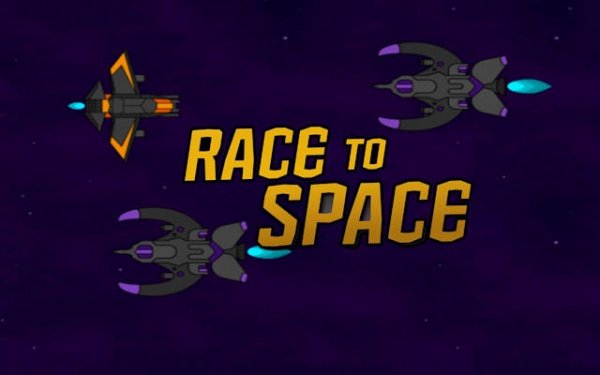
The visual field stays clean and uncluttered. Ships appear as simple geometric forms in bright colors against a dark space background, so distances and speeds are easy to judge. Soft gradients and twinkling stars support a cheerful, animated aesthetic rather than a tense one. Ambient tones remain sparse, reinforcing the calm mood. Animations run smoothly across a range of devices and browsers, with no loading screens interrupting play.
Competition and Replay Value
A global leaderboard records the best distances achieved by players worldwide, adding a gentle competitive layer without direct interaction between participants. The game contains no levels, stages, or unlockable content. Its appeal rests on the straightforward cycle of trying to go a little further each time, which makes it accessible to players of all ages and to those who prefer a low-pressure activity.







Comments
0 comments