Mission Structure and Progression
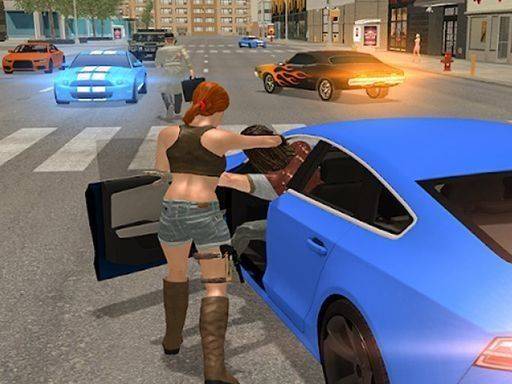
City Drive Adventure centers on accepting missions from various contacts scattered across the city. Each completed job rewards in-game currency and unlocks new districts, vehicles, and equipment. The mission loop drives everything: you take a job, drive to the objective, complete it, and reinvest the payout into better gear or a faster car. Because the city opens up gradually, early missions tend to keep you in familiar neighborhoods while later ones push you toward unexplored areas. That structure gives the game a steady sense of advancement without forcing you to grind the same routes repeatedly.
Driving, Handling, and Vehicle Upgrades
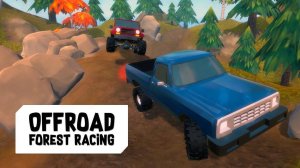
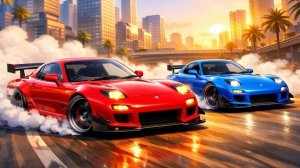
Vehicles are your primary tool for moving across the open world, and they differ in handling and speed. Upgrading your car improves performance, which matters when missions involve tight routes or timed deliveries. The game rewards practice: learning how each vehicle responds helps you plan routes that avoid obstacles and reach destinations faster. Upgrades apply to both vehicles and equipment, so you can tailor your setup to the kind of driving you prefer. [IMG_1]
Strategic Encounters and Decision-Making
Some missions bring you into contact with rival groups, and these encounters require planning rather than pure speed. You need to read the situation, choose when to engage, and react quickly when plans change. The city itself reacts to your decisions, meaning the routes you take and the missions you accept shape how the story unfolds. That reactivity gives weight to choices that might otherwise feel routine in an open-world driving game.
Solo and Cooperative Play
City Drive Adventure supports both solo play and cooperative play with friends. Playing alone lets you focus on exploration and mission completion at your own pace. Teaming up lets you share rewards and strategies, which can make tougher missions more manageable. The intuitive controls work the same way in either mode, so switching between solo and co-op does not require relearning how to drive. [IMG_2]

Comments
0 comments