
High-Altitude Track Design
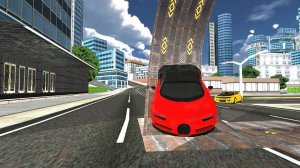
Every route in Sky Truck Driving Simulator sits on elevated platforms that appear to float in the sky. The visual separation from the ground makes each turn feel consequential. Tracks feature tight curves and narrow bridges, so the road itself becomes the primary obstacle. New levels unlock as you complete existing ones, and each introduces a fresh layout with greater difficulty. The 3D graphics render the height convincingly, reinforcing the sense that a single mistake sends the truck over the edge.
Driving Mechanics and Controls
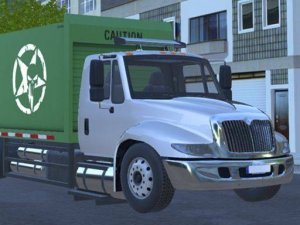
You begin by selecting a truck from the available options. Each truck has different handling characteristics, which affects how it responds to steering and braking. On-screen controls let you steer left or right, accelerate, and brake. The controls are smooth and responsive, so the challenge comes from reading the road rather than fighting the input. Because the tracks are elevated, any loss of control can cause the truck to fall. Speed management before sharp turns and narrow sections is essential to staying on the road.
Progression and Difficulty
Completing a level unlocks new tracks with increased difficulty. The game grows with you, starting with more forgiving routes and gradually introducing tighter curves and narrower passages. This progression keeps the gameplay fresh and rewarding. The difficulty curve is designed to test coordination and patience without becoming stressful. Players new to driving games can learn the basics, while experienced players will find later routes genuinely demanding.
Approach to Mastery
Practice each route to learn its layout and the best timing for turns and braking. Smooth steering and gradual braking work better than sudden movements. Anticipate upcoming turns by looking ahead on the track. Taking short breaks between attempts helps maintain concentration. Patience and careful observation are key to mastering the more challenging routes. The game is designed for players who enjoy testing their coordination in a stress-free setting.







Comments
0 comments